ESP32 & ESP8266 Connectivity · Intermediate · Update path
ESP32 Over-the-Network Updates
Flash a board that is already mounted and wired, without reaching for a cable.
Firmware status: Generated from this project's own pin map and compiled with arduino-cli for esp32:esp32:esp32 before publication; bench validation on your hardware is still required.
Board: ESP32 DevKit (ESP32-WROOM-32, 30 or 38 pin) · ESP32 dual core @ 240 MHz · 3.3 V logic · build for esp32:esp32:esp32.
What you will build
An ESP32 with a password-protected upload page that flashes new firmware into the inactive partition.
Components
- ESP32 board
- USB cable for the first flash only
- A compiled .bin from the Export menu
Pin map for this build
| Sketch constant | Pin | What it is |
|---|
Tools
- USB programming cable
- Multimeter
- Current-limited bench supply (for anything that switches a load)
- Small screwdriver and wire cutters
Build sequence
- Change OTA_PASSWORD before the first flash, then flash over USB once.
- Open the printed address, enter the password, and upload a .bin exported with Sketch → Export compiled binary.
- Watch the serial log report the received size.
- Confirm the board is running the new build by checking the version line it prints on boot.
Test and expected result
An upload flashes and reboots into the new firmware, and an interrupted upload leaves the previous firmware running.
Acceptance checks
upload accepted, device reboots into new firmware, interrupted upload does not brick
Safety and limits
An open upload page is a way to run arbitrary code on the device. Password it, and do not expose it beyond your network.
Hardware scope
Update partition handling, HTTP upload endpoint, no filesystem dependency.
Connection diagram
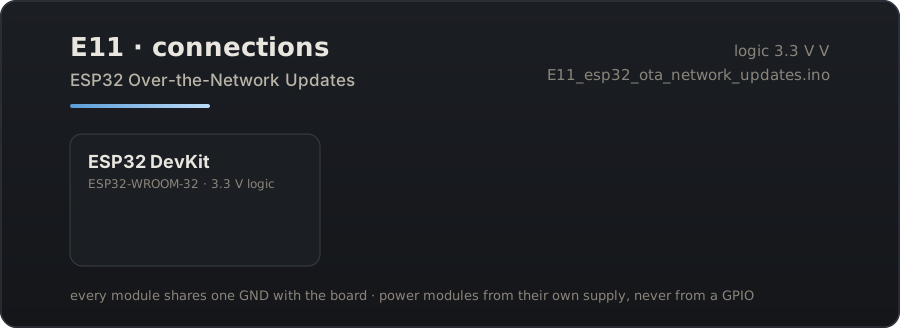
Download the connection diagram (SVG)
Download the Arduino sketch (E11_esp32_ota_network_updates.ino)
Guide source: the sketch on this page was generated from the pin map above and compiled for esp32:esp32:esp32 before publication.
Related projects
- ESP32 Captive Portal Wi-Fi Manager — Boot the ESP32 with no credentials and configure its network from a phone, with the portal saved to flash.
- ESP8266 Config Portal — The same idea on the cheapest board that can do it: an ESP8266 that configures itself from a browser.
- ESP8266 Sensor Portal Logger — A battery-minded sensor node you configure in the field, with the reading shown on its own setup page.